Introduction
This site aims to be a comprehensive guide to OpenC3 COSMOS. We'll cover topics such as getting your configuration up and running, developing test and operations scripts, building custom telemetry screens, and give you some advice on participating in the future development of COSMOS itself.
So what is COSMOS, exactly?
COSMOS is a suite of applications that can be used to control a set of embedded systems. These systems can be anything from test equipment (power supplies, oscilloscopes, switched power strips, UPS devices, etc), to development boards (Arduinos, Raspberry Pi, Beaglebone, etc), to satellites.
COSMOS is a cloud native, containerized, microservice oriented command and control system. See the Architecture page for a detailed breakdown of both the Core and Enterprise architectures.
Where does COSMOS fit?
COSMOS sits at the center of your system, talking to every piece of hardware and software that needs to be commanded or monitored. The same COSMOS installation can follow a program from the first bench test through flight operations.
Test Environment
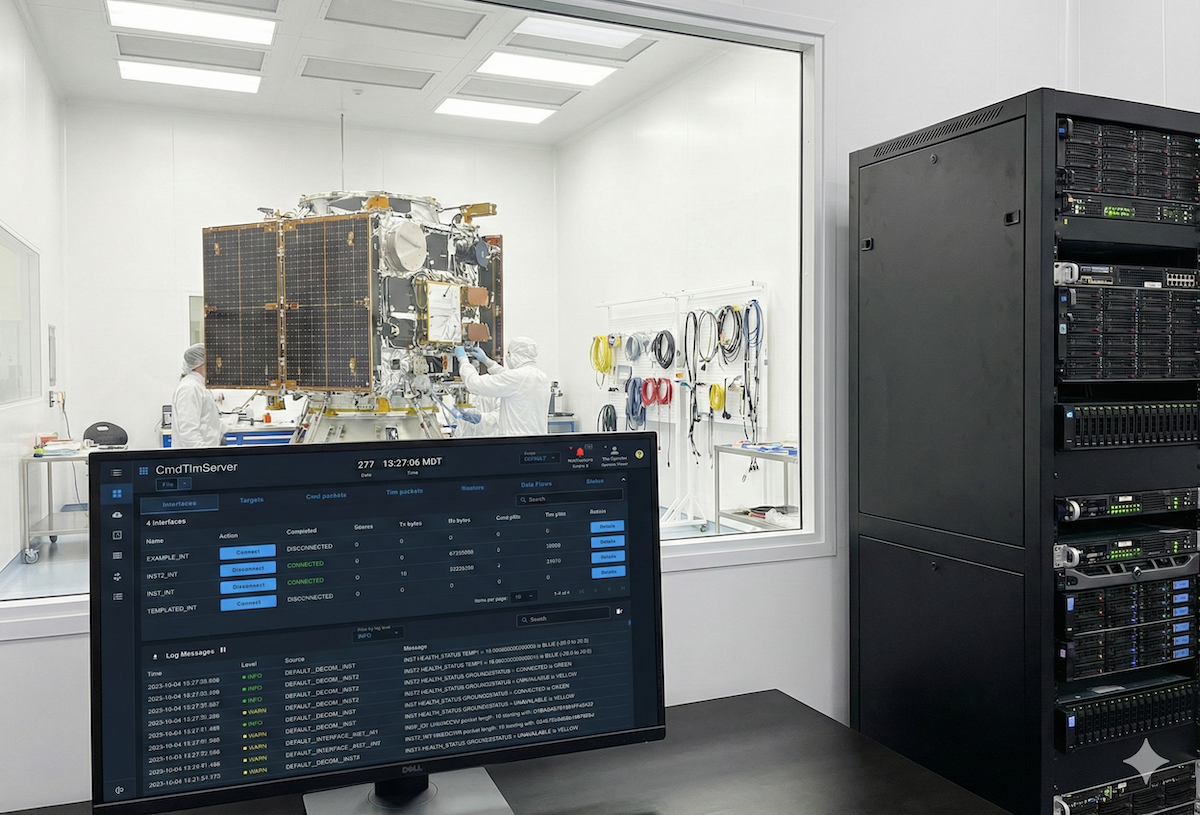
In a test environment, COSMOS controls the test equipment and the Unit Under Test (UUT) together. Test engineers use the COSMOS web tools and scripts to command a Keysight power supply over SCPI, talk to custom Ground Support Equipment (GSE), and command and monitor the UUT directly. Because all of this data passes through COSMOS, it's logged together and can be checked by automated test procedures.

Satellite Mission Operations
In an operational satellite mission, COSMOS is the command and control hub between Mission Planning and the ground antenna network. COSMOS receives the schedule from Mission Planning and translates it into commands that go out through the antenna network to the satellite. The downlink splits after the antenna network: telemetry goes to COSMOS for real-time display, limits checking, and logging, while images and other payload data go to Mission Data Processing. COSMOS sends satellite ephemeris, such as onboard GPS data, to Flight Dynamics, which provides orbit and contact predictions back to Mission Planning.

Watch this video for a demo and walkthrough of COSMOS:
Helpful Hints
Throughout this guide there are a number of small-but-handy pieces of information that can make using COSMOS easier, more interesting, and less hazardous. Here's what to look out for.
These are for the extra tidbits sometimes necessary to understand COSMOS.
Be aware of these messages if you wish to avoid certain death.
Both using and hacking on COSMOS should be fun, simple, and easy, so if for some reason you find it's a pain, please create an issue on GitHub describing your experience so we can make it better.